Ever noticed your Roborock isn't picking up debris like it used to? Before you start troubleshooting sensors or brushes, check your filter first. Most of the time, a clogged filter is the culprit behind that disappointing suction power. The good news? Changing your Roborock filter is ridiculously simple - we're talking five minutes, tops - but doing it correctly makes all the difference in keeping your robot vacuum running like new.
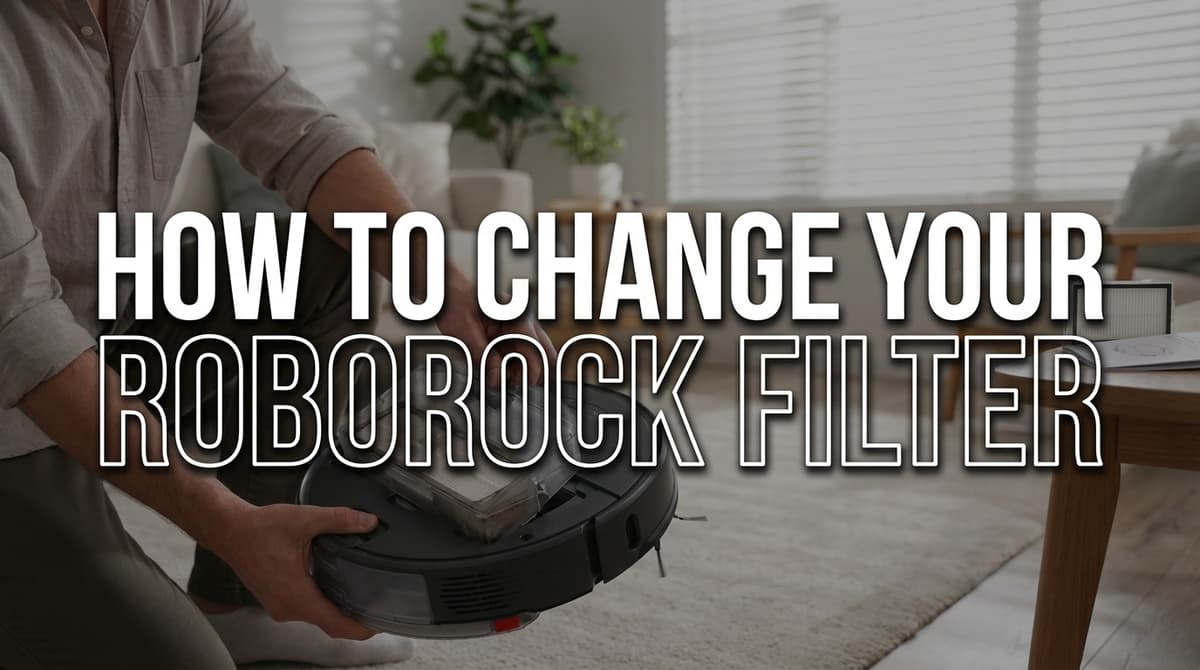
Here's the thing about filters: they're your vacuum's lungs. When they're dirty or worn out, your Roborock has to work harder, runs hotter, and eventually starts leaving dirt behind. But swap in a fresh filter, and suddenly you're back to those satisfying cleaning runs where every speck of dust disappears.
Good news - this isn't exactly a tool-heavy project. Here's your checklist:
Let's walk through this together. I'll cover the process for most Roborock models, but don't worry - the differences between series are pretty minimal.
First things first: make sure your Roborock is powered off and sitting on a flat surface. The dustbin is located on top of the robot, usually with a clear plastic lid that lets you see how much dirt you've collected.
For most newer models, you'll see a release button or tab on the back edge of the dustbin. Press it down while lifting the dustbin straight up. It should come out smoothly - if you're forcing it, you're probably missing the release mechanism.
Older models may have a slightly different setup. Look for a small tab or lever on the side of the dustbin. Push it toward the center while lifting, and the whole assembly should pop right out.
Here's a pro tip: do this over a trash can if you can. Even if the dustbin looks empty, there's usually some fine dust that'll puff out when you remove it.
Now you've got the dustbin in your hands. Flip it over and look at the bottom - you'll see the filter housing, which looks like a round or rectangular compartment with a cover.
On most Roborock models, this cover has small tabs or a twist-lock mechanism. For some like the S7 series, you'll twist the cover counterclockwise. Older series typically have push-tabs that you squeeze together while pulling the cover off.
Don't yank on anything. If the cover isn't coming off easily, you're probably turning it the wrong way or missing a tab. Take a second to look at how it's designed to come apart.
Inside that housing, you'll find your filter - and depending on your model, it might be washable or disposable.
HEPA filters (the white, pleated ones) are usually washable and can last several months with proper care. If yours looks more gray than white and feels stiff, it's time for a replacement regardless. Grab it by the edges and lift it straight out.
If you've got a disposable filter (these are often blue or have a cardboard frame), don't bother trying to clean it. These are designed to be tossed after they're dirty.
One thing to watch for: some models have a pre-filter screen underneath the main filter. Don't lose this little guy - it's important and easy to drop.
This is where most people mess up, so pay attention. Your new filter has a specific orientation, and installing it backward can actually reduce suction.
Look for arrows or text on the filter that indicate airflow direction. The arrows should point toward the fan motor when installed. If there's text like "AIR FLOW" with an arrow, make sure that arrow points down into the dustbin.
Press the filter down gently until it sits flush in the housing. It shouldn't rock or sit crooked - if it does, take it out and try again. A properly seated filter will sit completely flat with no gaps around the edges.
Replace the filter cover by reversing whatever you did to remove it. Twist clockwise for twist-lock models, or press the tabs back into place for push-fit covers.
Before you put the dustbin back in your Roborock, give it a light shake. Everything should feel solid - no rattling or loose parts.
Slide the dustbin back into your robot until you hear or feel it click into place. Most models have alignment guides that make it pretty obvious when you've got it right.
Here's the honest answer: it depends on your life.
If you're running your Roborock daily in a house with pets, kids, or just generally messy humans, you're looking at filter changes every 2-3 months. The washable HEPA filters can handle about 3-4 wash cycles before they start losing effectiveness.
For lighter use - maybe every other day in a relatively clean home - you can probably stretch it to 4-6 months per filter.
But here's the thing: don't just go by time. Check your filter monthly. If it looks gray instead of white, feels stiff, or your robot's suction seems weak, it's time for a change regardless of the calendar.
Homes with pets, high dust levels, or if someone in your family has allergies? Err on the side of changing more frequently. A new filter is a lot cheaper than replacing a burned-out motor.
Sometimes things don't go perfectly, and that's okay. Here's how to handle the most common hiccups:
If you're still having issues after trying these fixes, pull everything apart and start over. Sometimes it's easier to begin fresh than to figure out what went wrong.
See? I told you it was simple. Five minutes from start to finish, and your Roborock is back to its dust-busting best. The key is just being gentle and paying attention to how things are designed to come apart - Roborock engineers made this process pretty foolproof.
Don't forget to set a reminder on your phone or calendar for 2-3 months from now. Trust me, time flies, and it's easy to forget about maintenance until your robot starts struggling. A quick monthly check of the filter condition will save you from that "why isn't this thing working?" moment when guests are coming over.
Your Roborock will thank you with consistently powerful cleaning, and you'll thank yourself for not having to vacuum manually because your robot gave up halfway through.
