Browse all robot vacuum guides, tips, and expert insights
10 articles
Here's something that would've seemed surprising five years ago: two Chinese brands now absolutely dominate the global robot vacuum market. Roborock and Ecovacs didn't just compete with established names like iRobot - they've heavily outpaced them with better technology, smarter features, and more reasonable prices.
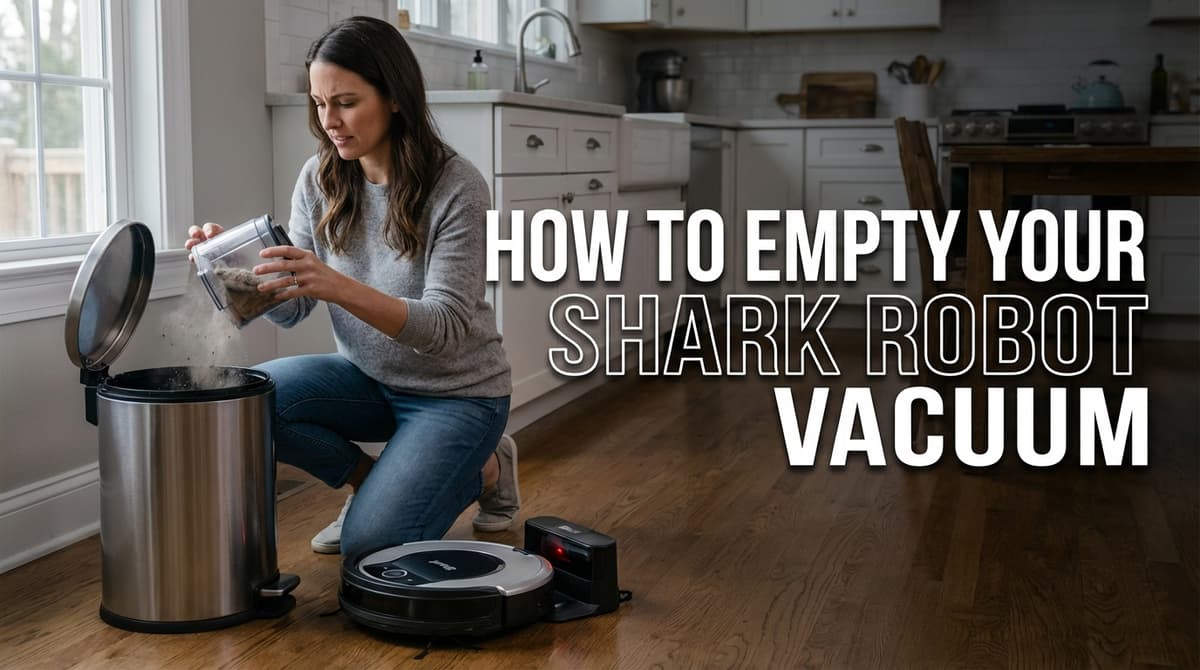
A Shark robot vacuum that's beeping and flashing red usually isn't dealing with a navigation glitch or a low battery - it's usually a dustbin that's completely full. Emptying a Shark robot vacuum is straightforward once you know what you're doing, but there are some tricks that'll save you from creating dust clouds in your kitchen or dealing with that frustrating moment when debris just won't budge from the corners.
Picture this: your robot vacuum has just finished cleaning your house, and now comes the part you dread most - emptying that tiny dustbin. Again. For what feels like the hundredth time this month. The dust cloud that inevitably escapes makes you sneeze, and somehow there's always some stubborn strings of pet hair caught on something.
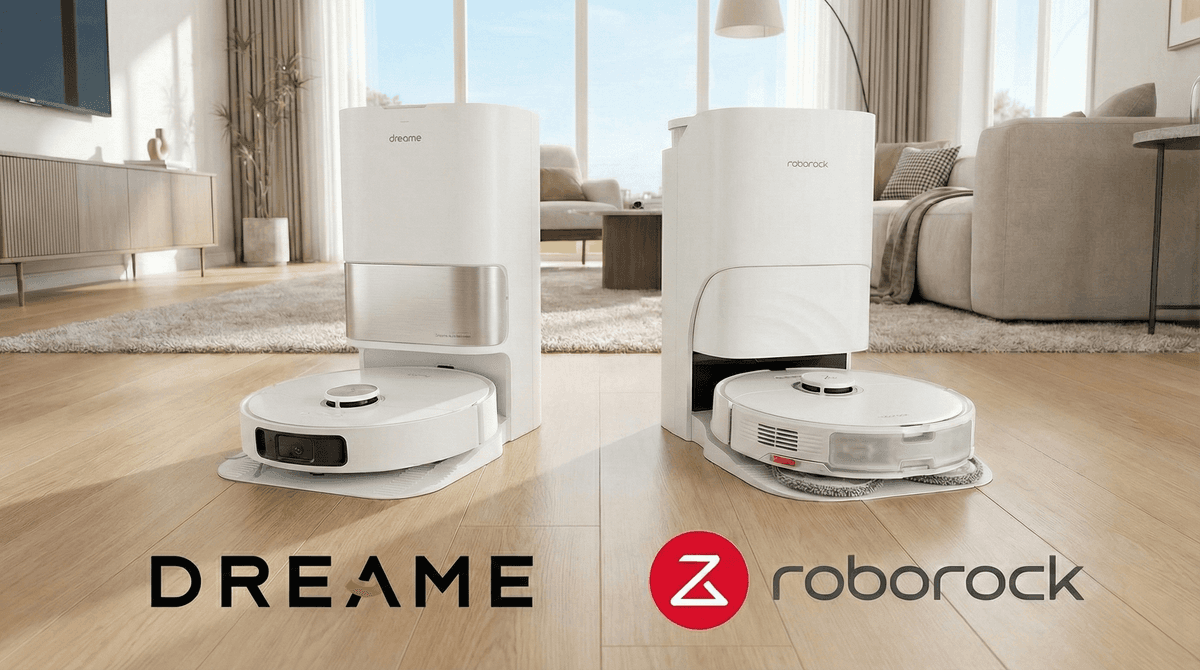
Here's something that might surprise most robot vacuum shoppers: Dreame and Roborock, two of today's most innovative brands, both started their journeys in China within a few years of each other. But that's where the similarities end. While Roborock took the slow and steady path to premium status, Dreame decided to shake things up with aggressive pricing and cutting-edge features that sometimes feel almost too good to be true.
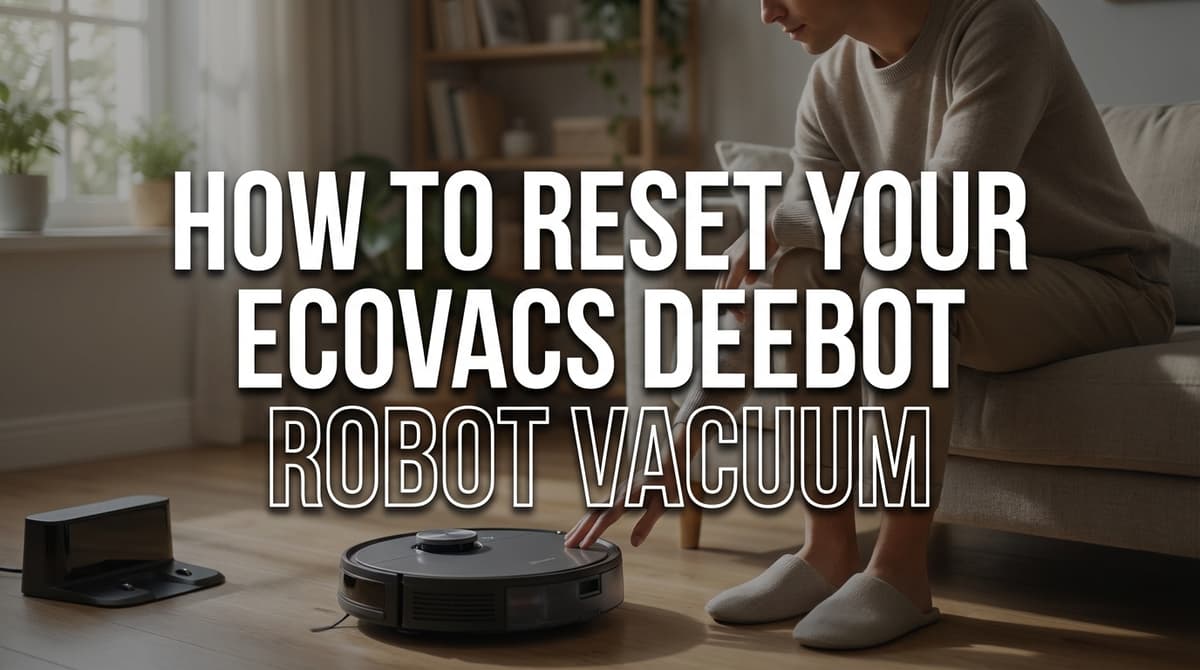
Has your trusty Ecovacs Deebot suddenly started acting like it's forgotten how to vacuum? Maybe it's spinning in circles, refusing to connect to WiFi, or just sitting there blinking at you like a confused pet. Before you panic or start shopping for a replacement, there's a simple solution that fixes about 80% of Deebot problems: a reset.
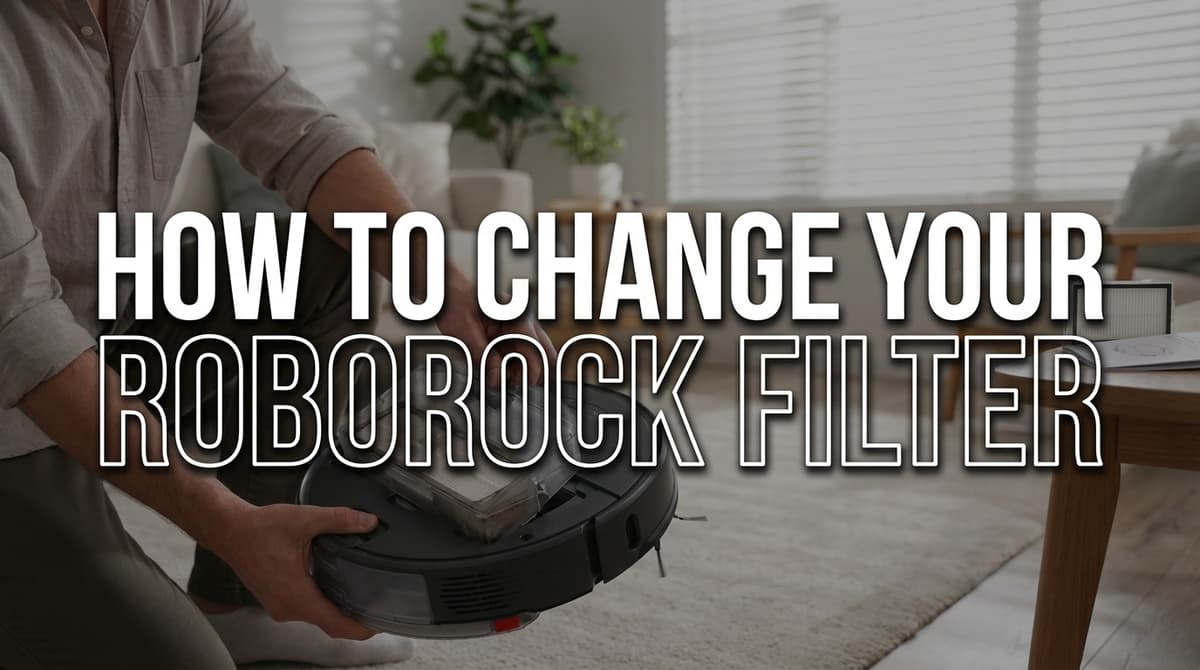
Ever noticed your Roborock isn't picking up debris like it used to? Before you start troubleshooting sensors or brushes, check your filter first. Most of the time, a clogged filter is the culprit behind that disappointing suction power. The good news? Changing your Roborock filter is ridiculously simple - we're talking five minutes, tops - but doing it correctly makes all the difference in keeping your robot vacuum running like new.
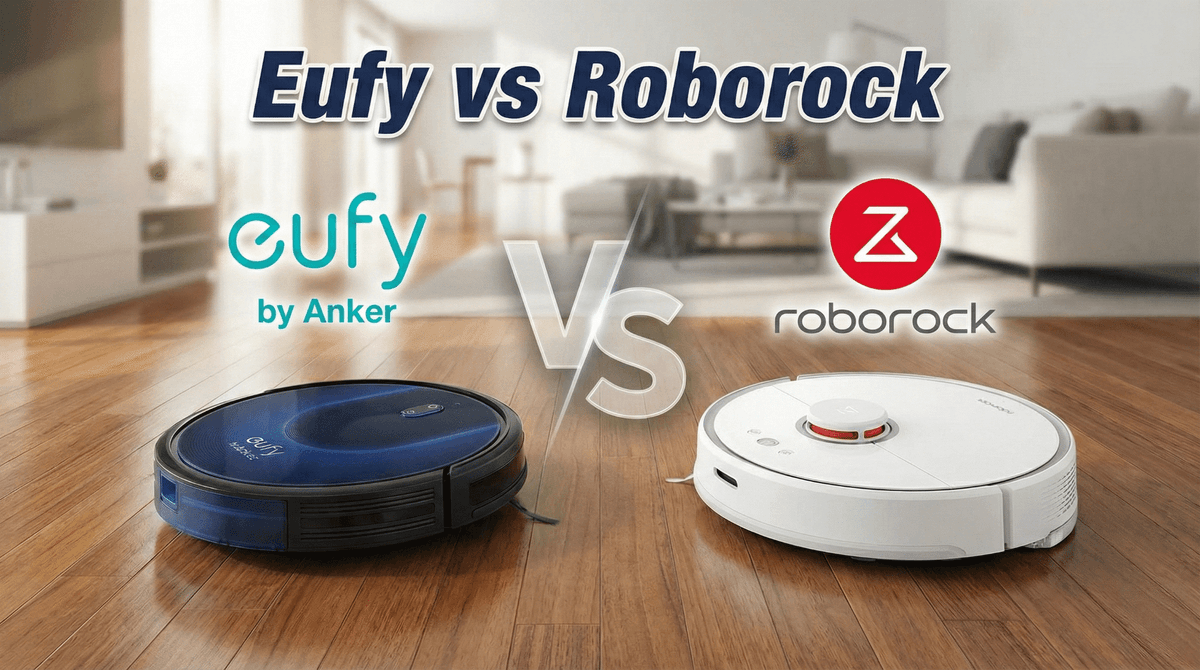
You're scrolling through Amazon at midnight, and it's come down to two brands: Eufy and Roborock. Sound familiar? You're not alone in this dilemma. These are two very popular brands with different philosophies for how to approach robot vacuums.
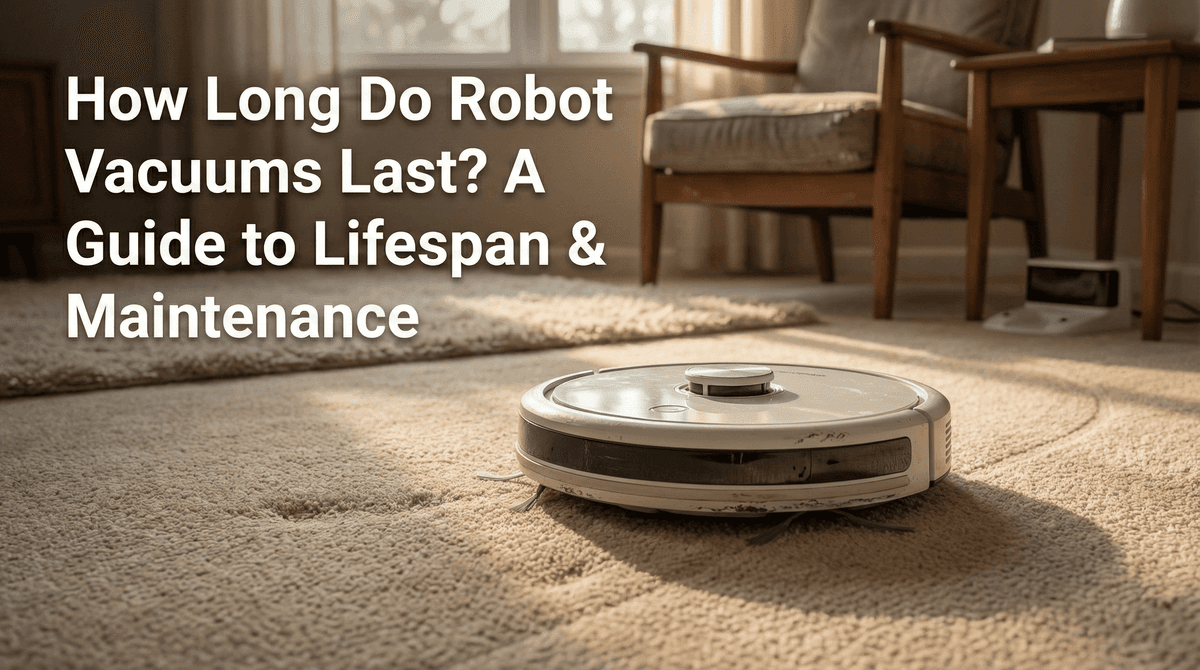
You know that sinking feeling when your trusty robot vacuum - the one that's been faithfully cleaning your floors for the past three years - starts acting up? Maybe it's getting stuck in places it used to navigate just fine, or the battery seems to die halfway through cleaning the living room. You're probably wondering: is this the beginning of the end, or just a maintenance issue?
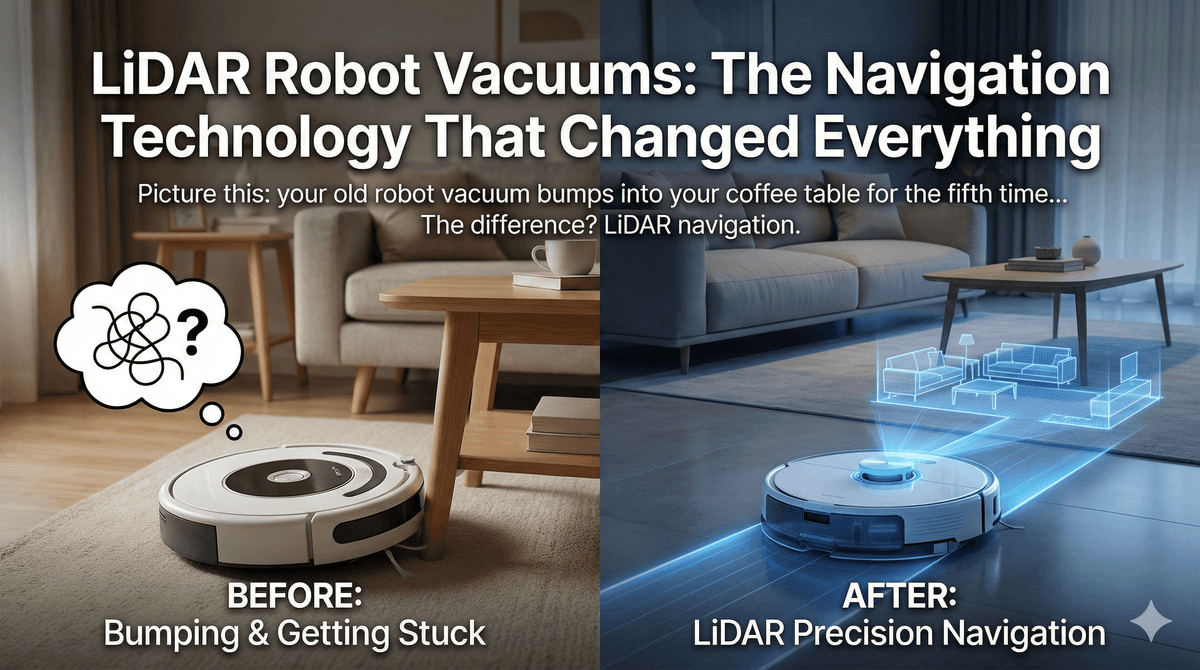
Picture this: your old robot vacuum bumps into your coffee table for the fifth time, then spends ten minutes trying to escape from under your couch. Meanwhile, your neighbor's robot vacuum glides smoothly around furniture, methodically cleans each room, and returns to its dock without breaking a sweat. The difference? LiDAR navigation.

If you're considering a robot vacuum but have carpeted floors throughout your home, you've probably wondered: do robot vacuums actually work on carpet? The short answer is yes, but with important caveats. While modern robot vacuums have made significant strides in carpet cleaning capabilities, their effectiveness varies dramatically based on the specific model you choose and the type of carpeting in your home.
